RetroKit

Classic games, every Apple screen.

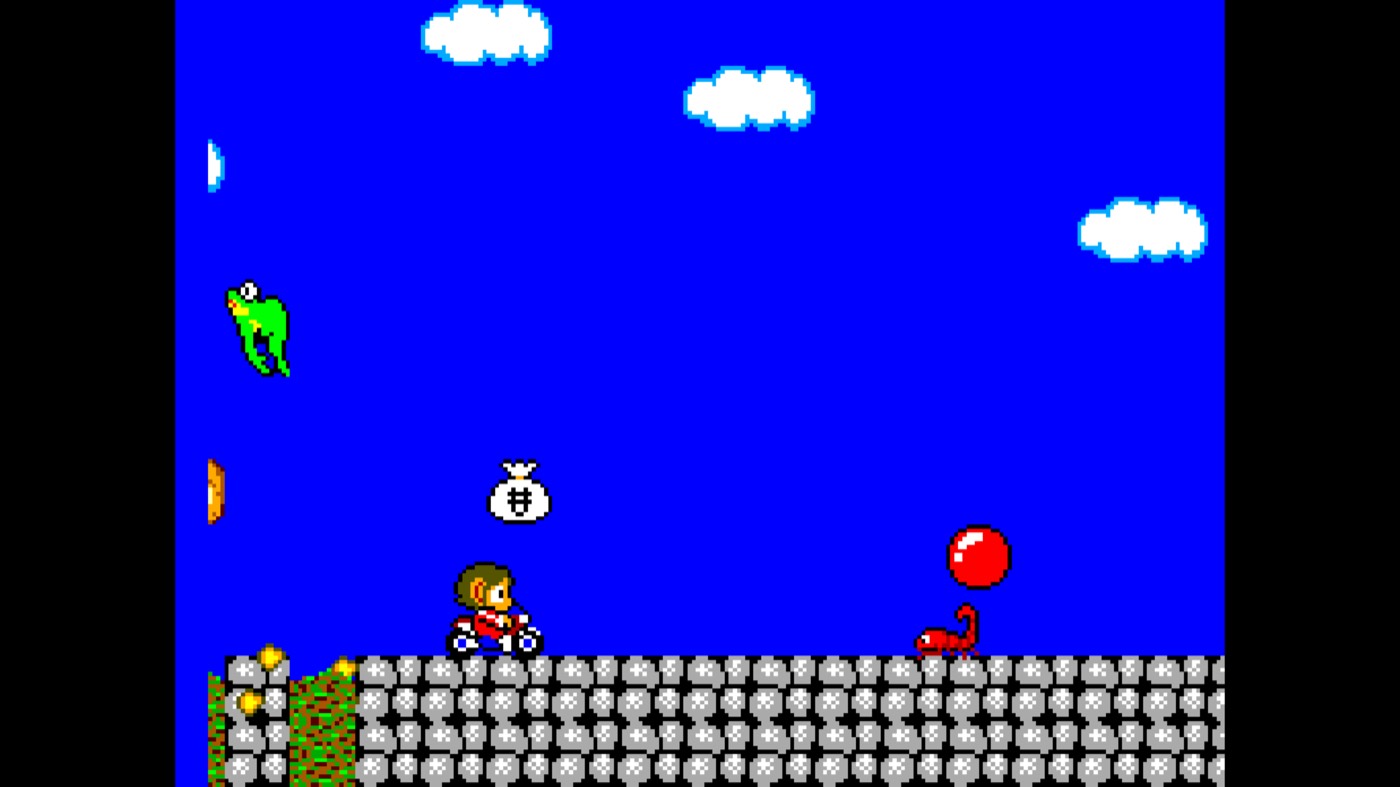
Nintendo and Sega systems on iPhone, iPad, Mac and Apple TV. Accurate, native, and yours.

  • Free, no ads
  • Bring your own games
  • iOS 18, macOS 15 and tvOS 27 or later
  • English and Português
Download on the App Store

Version 1.0 is out. See what's new

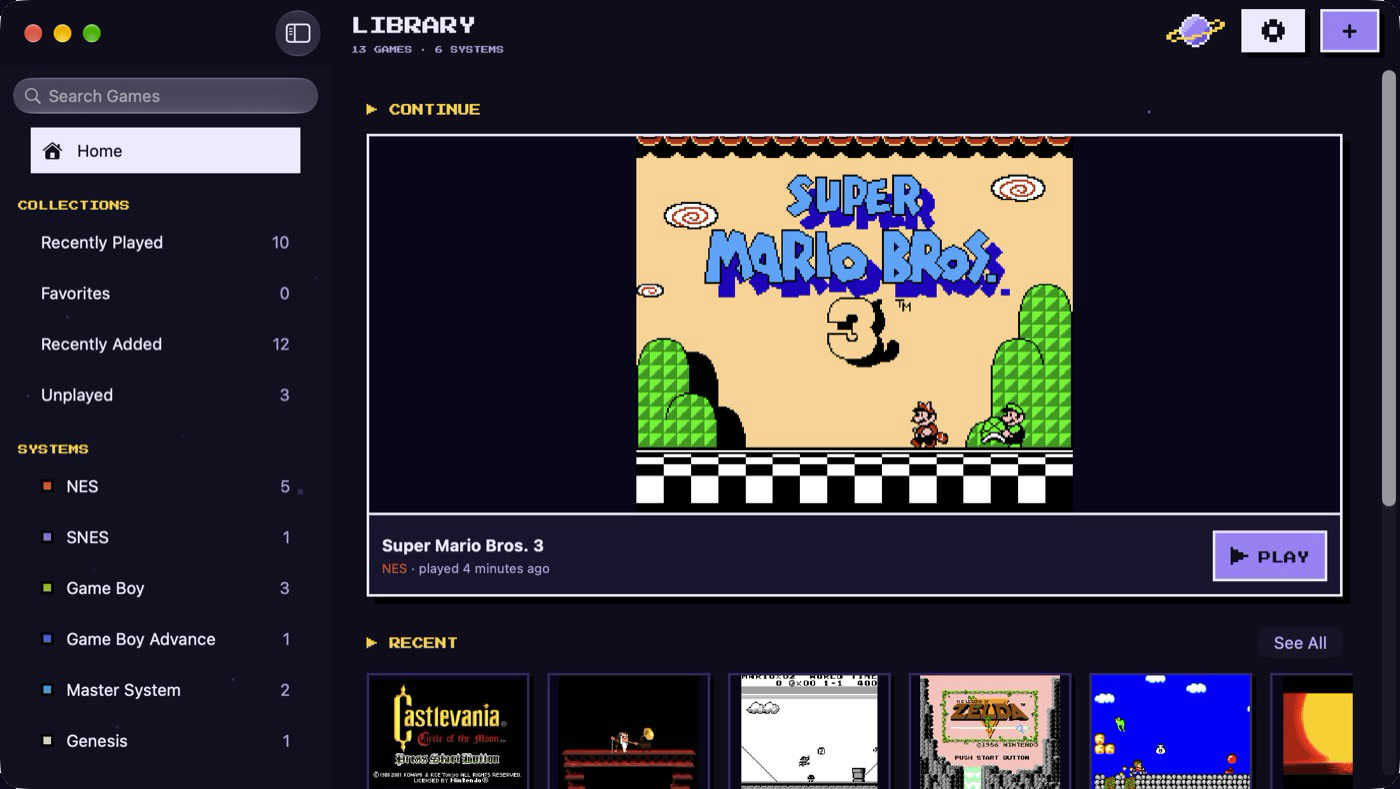
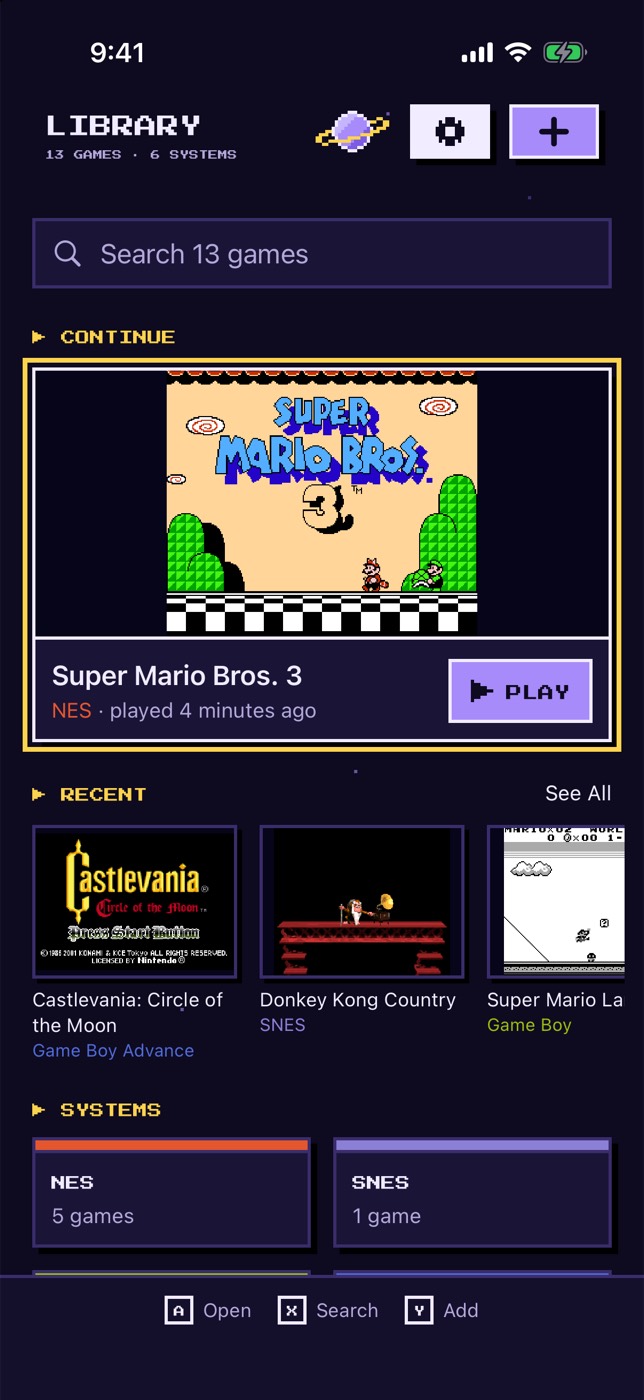
The RetroKit library on iPhone and Mac, with games sorted by system.

How it works

  1. Add your games

    RetroKit includes no commercial games. Import your own game files from Files or the share sheet. Zip and 7z archives work too.

    Find free homebrew games.
  2. Play

    Use the touch controls or a game controller. Each system is checked against reference emulators, frame by frame.

  3. Continue on any device

    Your games and saves sync through your iCloud to iPhone, iPad, Mac and Apple TV.

The app

A real Mac app

A native Mac app, written in Swift, with a sidebar and collections. Play with a keyboard or a controller, and your saves come with you.
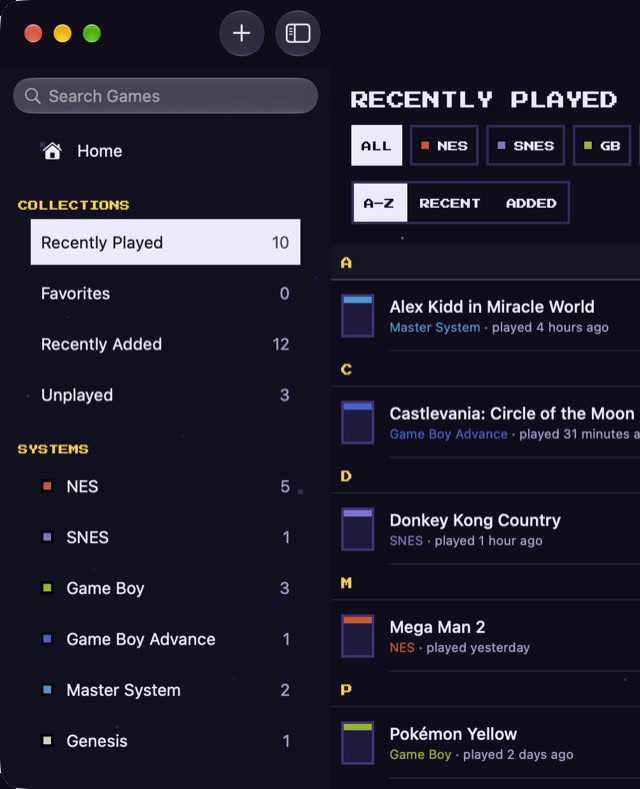
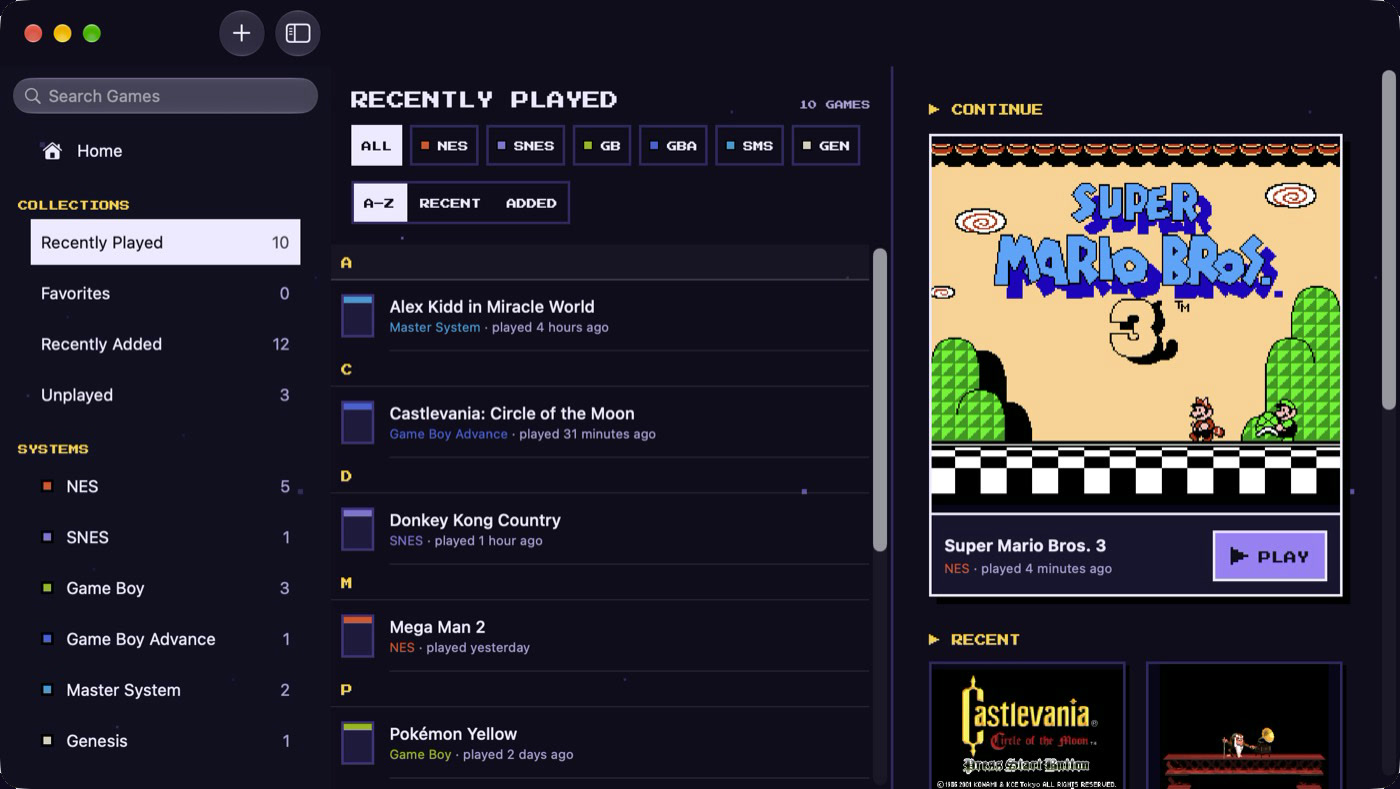
A library that knows your games

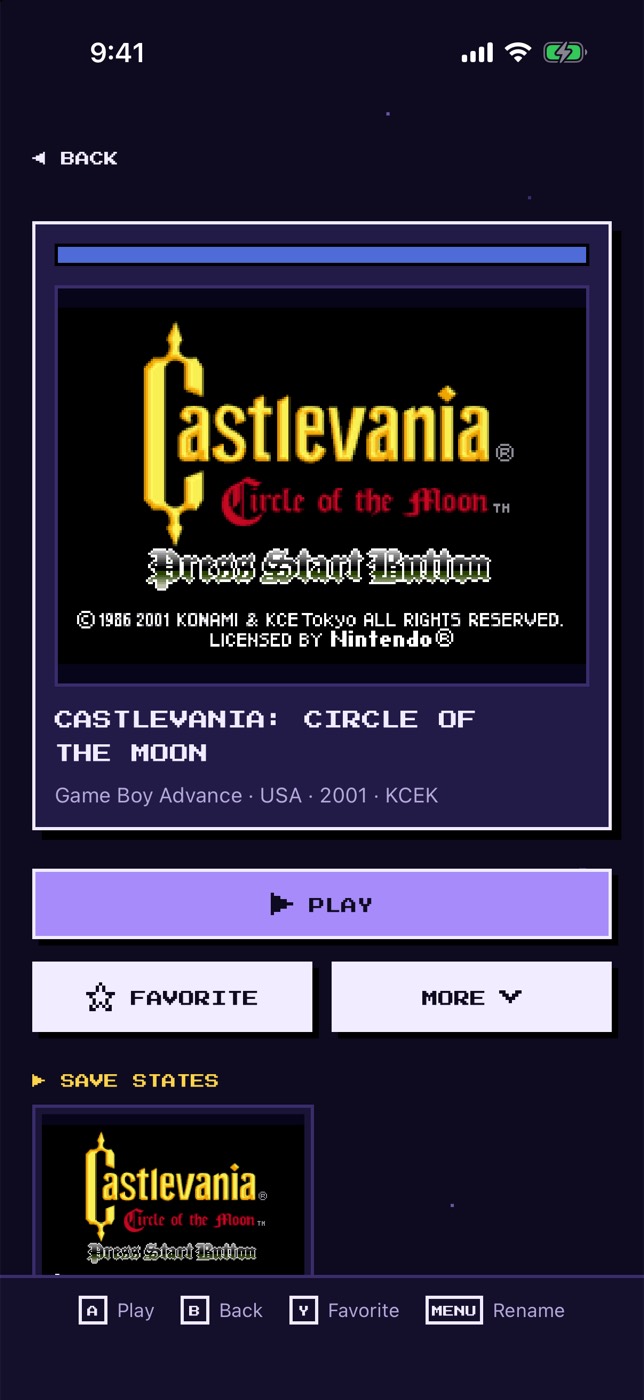
Each game has its own page with its system and year. Play it, mark it as a favorite and see its save states.
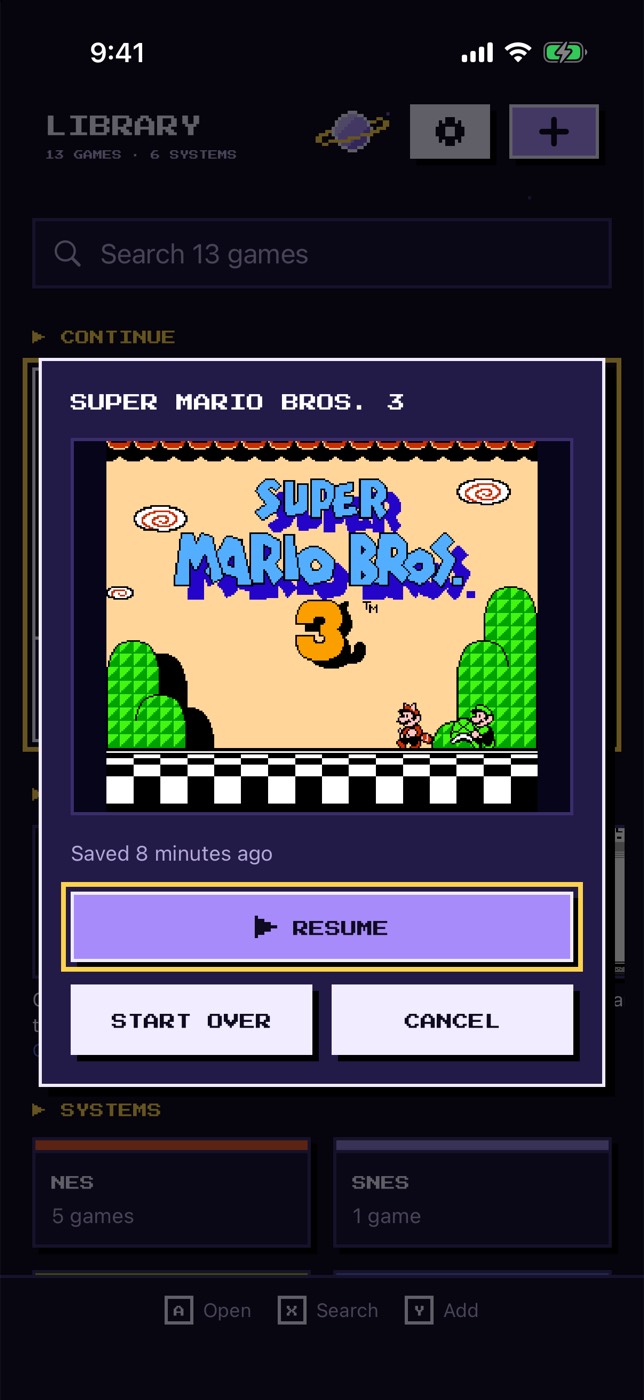
Pick up where you left off

RetroKit saves when you leave a game. Each game also has 9 save state slots, each with a screenshot.
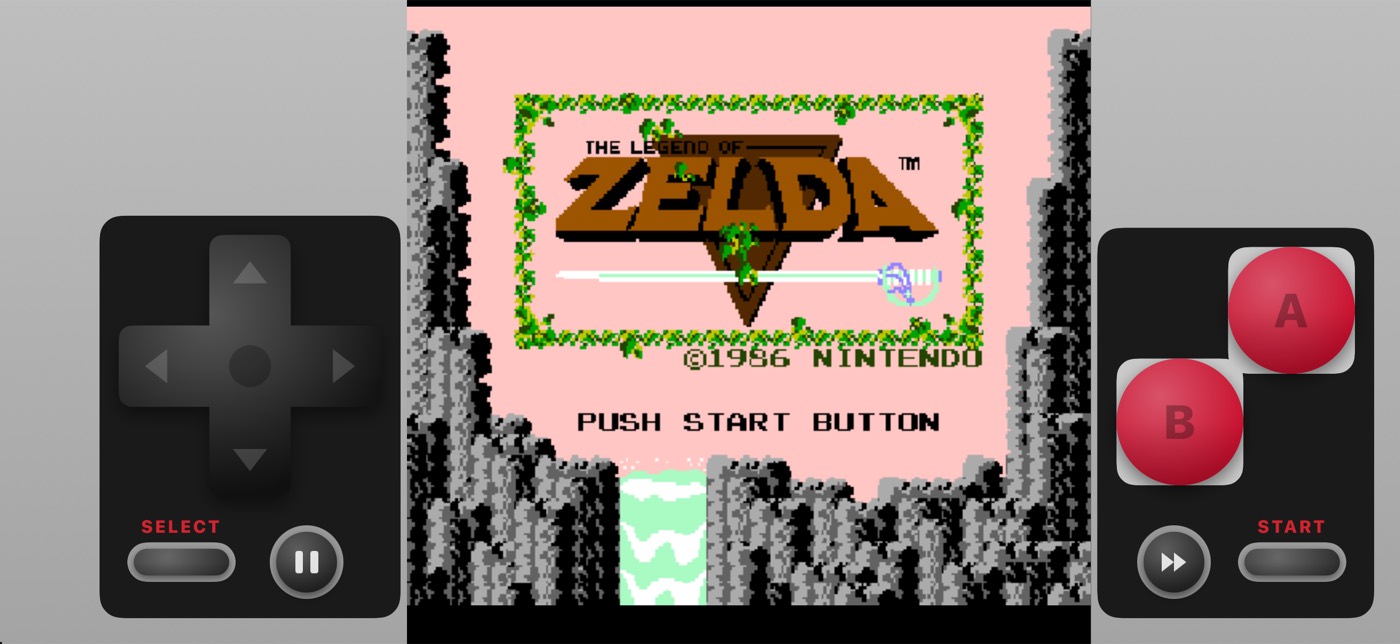
Touch controls for each system

Every system has its own touch layout, in portrait and in landscape.
On your TV

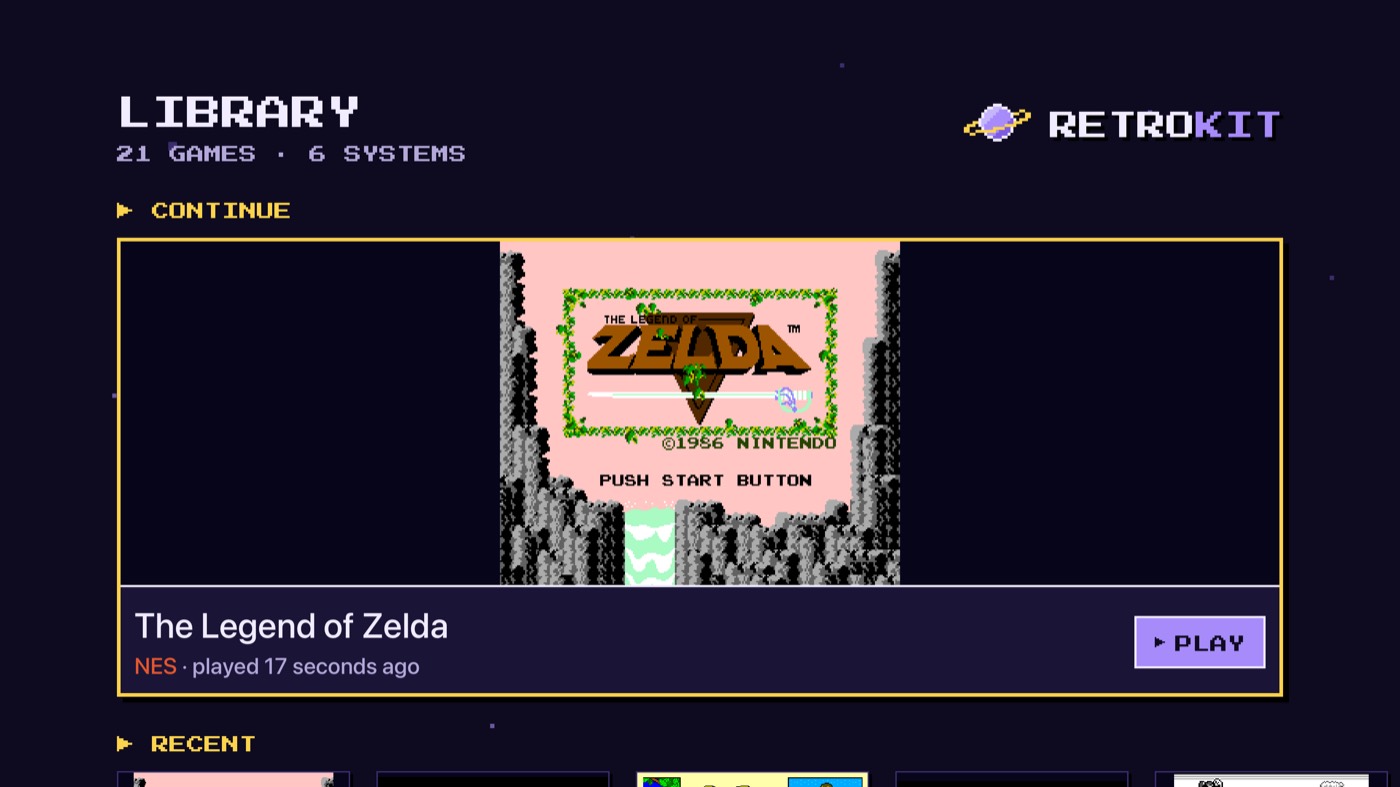
Play on Apple TV with a game controller. It comes with 10 free homebrew games, and the games and saves from your iPhone, iPad and Mac show up through iCloud.
Systems

  • NES
  • SNES
  • Game Boy
  • Game Boy Advance
  • Master System
  • Genesis

Free and Pro

Free

No ads, no account, no tracking.

  • All systems, with automatic saves and save states
  • iCloud sync of games and saves, also on Apple TV
  • Touch controls with a layout editor, controllers and button mapping
  • Import from Files and the share sheet

Pro7-day free trial

$4.99 a year, or $9.99 once for life

  • Fast-forward at 3x, 4x and 8x (2x stays free)
  • CRT and LCD filters
  • One purchase for iPhone, iPad, Mac and Apple TV
  • Family Sharing

Start free. Try Pro for 7 days in the app.

Download on the App Store

Shape what comes next

Ask for the feature or system you want, and vote for the ideas of other players. The most voted ideas go on the roadmap.

Request a feature

Questions

Does RetroKit include games?
No commercial games. You add your own game files. Many homebrew games (new games that fans make for old systems) are free to download from their authors. On Apple TV, RetroKit comes with 10 free homebrew games. Find free homebrew games on the support page.
Which systems does it run?
NES, SNES, Game Boy (also Game Boy Color games), Game Boy Advance, Master System and Genesis. More systems come in later updates.
Which devices does it need?
An iPhone or iPad with iOS 18 or later, or a Mac with macOS 15 or later. On an Apple TV 4K (2nd generation or later) with tvOS 27 or later, RetroKit comes with 10 free homebrew games and plays the games that you add on iPhone, iPad or Mac, through iCloud. You cannot import game files on Apple TV.
Does RetroKit collect my data?
Only a little, to fix bugs. The app sends crash reports and usage events, with no account and no tracking. Your games and saves stay on your device or in your iCloud. The privacy page lists everything.

Play the classics the way you remember them.

Download on the App Store

Free, with every system and no ads.